SHARE A SOUND
Share a sound that plays instantly
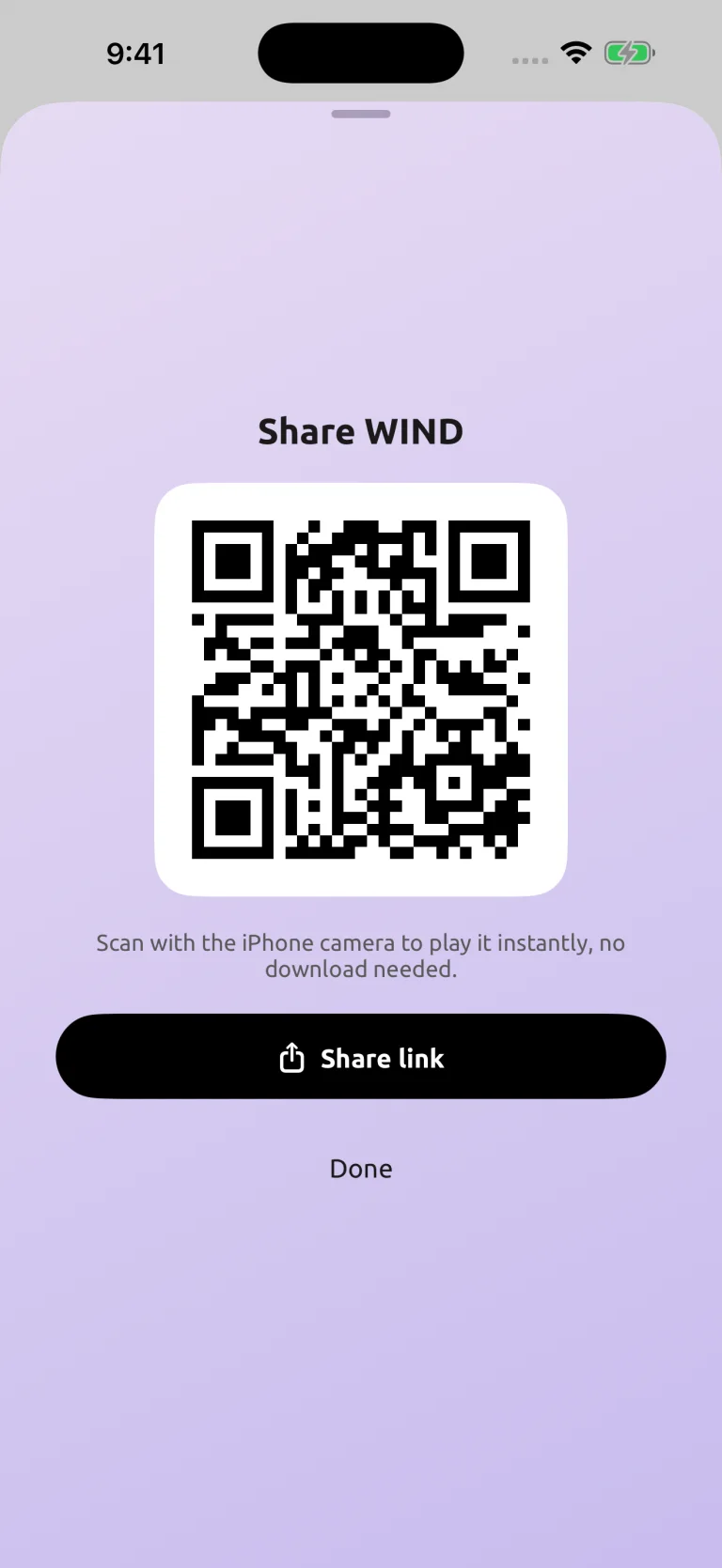
NOIZE lets you send any sound as a link or a QR code. Friends on iPhone can play it instantly through an App Clip, with no download needed.
Instant play through an App Clip is on iPhone.
What you get
A link or a QR code
Send it in a message, or let someone scan it straight off your screen.
Plays without installing
On iPhone the sound opens in an App Clip and plays right away.
Any sound
All 50 sounds can be shared, one at a time.
How it works
- Play the sound you want to share.
- Tap Share to show its QR code, or tap Share link.
- Your friend scans the code or opens the link and presses Play.
Common questions
Does my friend need to install NOIZE?
Not on iPhone. The sound plays instantly through an App Clip, with no download needed.
How do I share a sound?
Send it as a link, or show its QR code for someone to scan with the iPhone camera.
Which sounds can I share?
Any sound in the app.
Try it tonight
Free on iPhone, iPad and Android. No ads, no account.