SIRI AND SHORTCUTS
Start a sound without touching the screen
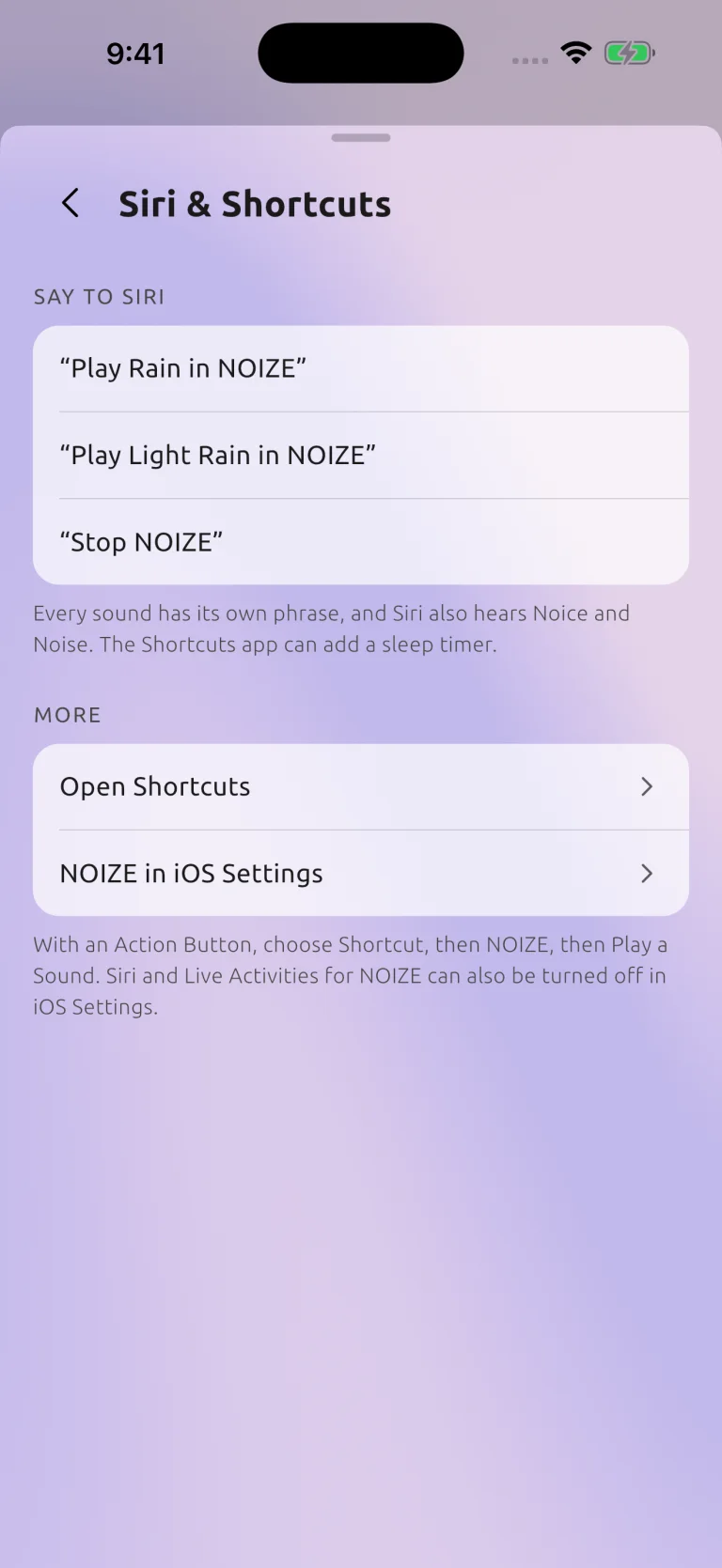
NOIZE works with Siri and the Action Button. Say "Play Rain in NOIZE" or "Stop NOIZE", or start your favorite sound with one press.
Siri and the Action Button are on iPhone.
What you get
Ask Siri
Say "Play Rain in NOIZE" to start and "Stop NOIZE" to stop, with your eyes closed.
One press
Put your favorite sound on the Action Button and start it without looking.
Your last three sounds
Hold the app icon to pick from the sounds you played most recently.
How it works
- Open Settings in NOIZE and tap Siri & Shortcuts.
- Try a phrase: "Play Rain in NOIZE".
- To use the Action Button, choose Shortcut in iOS Settings and pick NOIZE.
Common questions
What can I say to Siri?
"Play Rain in NOIZE" starts a sound and "Stop NOIZE" stops it.
Can I start NOIZE with the Action Button?
Yes. Start your favorite sound with one press.
Is there a quicker way to replay a recent sound?
Yes. Hold the app icon and your last three sounds are there.
Try it tonight
Free on iPhone, iPad and Android. No ads, no account.